WooCommerce Slow After PHP Update? Check PHP OPcache First
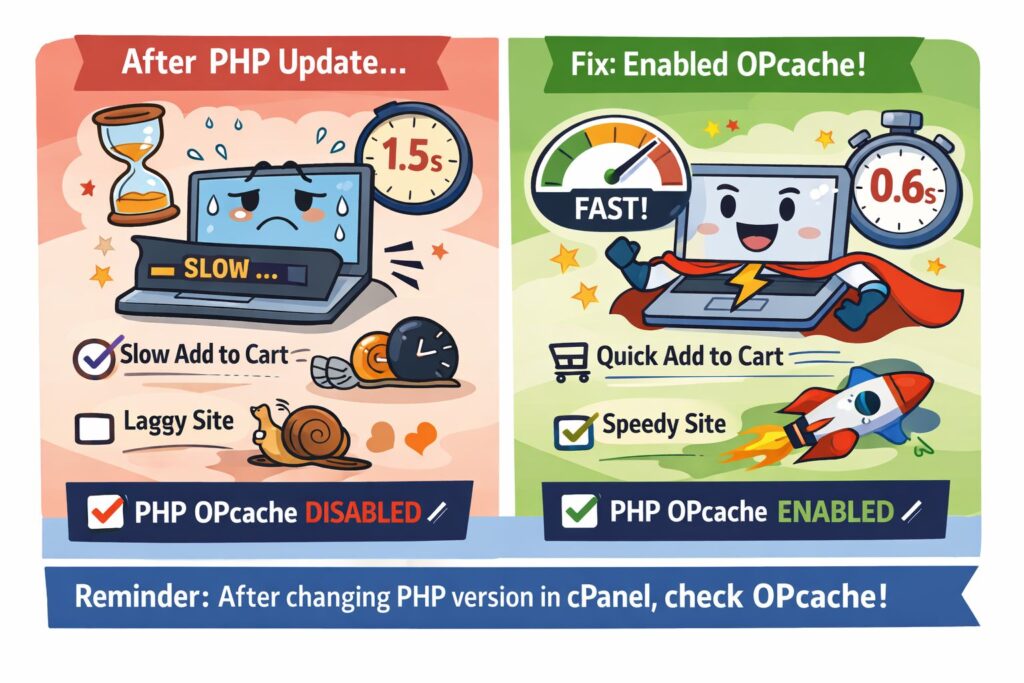
WooCommerce Suddenly Became Slow After a PHP Update
Recently, I faced a confusing WooCommerce performance issue after updating the PHP version from cPanel.
The website was working normally before the update. But immediately after switching the PHP version, the site started feeling slow – especially dynamic actions like Add to Cart.
The add-to-cart response time increased to around 1.5 seconds, which was noticeable enough to affect the user experience.
At first, everything looked fine:
- No plugin conflicts
- No frontend issues
- Server resources looked normal
- Cache plugins were working properly
So the issue was not obvious.
The Real Problem: PHP OPcache Was Disabled
After checking deeper into the server configuration, I found the actual cause:
PHP OPcache was disabled after the PHP version update.
This is something many hosting environments or cPanel setups may not preserve automatically when switching PHP versions.
Once OPcache was enabled again, the performance improvement was immediate.
Before
- Add to Cart response: ~1.5s
After Enabling OPcache
- Add to Cart response: ~600ms
That was a major improvement from a single PHP setting.
Why PHP OPcache Matters
PHP OPcache stores precompiled PHP scripts in memory, reducing the need for PHP to load and compile files repeatedly on every request.
For dynamic platforms like:
- WordPress
- WooCommerce
this can make a noticeable difference in backend response times and overall performance.
Without OPcache, PHP execution becomes slower, especially on WooCommerce actions like:
- Add to Cart
- Checkout
- AJAX requests
- Logged-in user interactions
Important Thing to Check After Updating PHP
If you update PHP from cPanel and suddenly notice:
- Slow WooCommerce actions
- Increased TTFB
- Slower admin dashboard
- Slower cart or checkout
- General backend lag
check whether OPcache is still enabled.
In many cases, the PHP version changes successfully, but OPcache gets disabled silently during the process.
Final Thoughts
This was a small configuration issue, but it had a big performance impact.
Sometimes WooCommerce performance problems are not caused by plugins, themes, or server load. A simple PHP configuration change can be the real bottleneck.
If you manage WordPress or WooCommerce websites, OPcache is definitely one of the first things worth checking after a PHP version upgrade.